
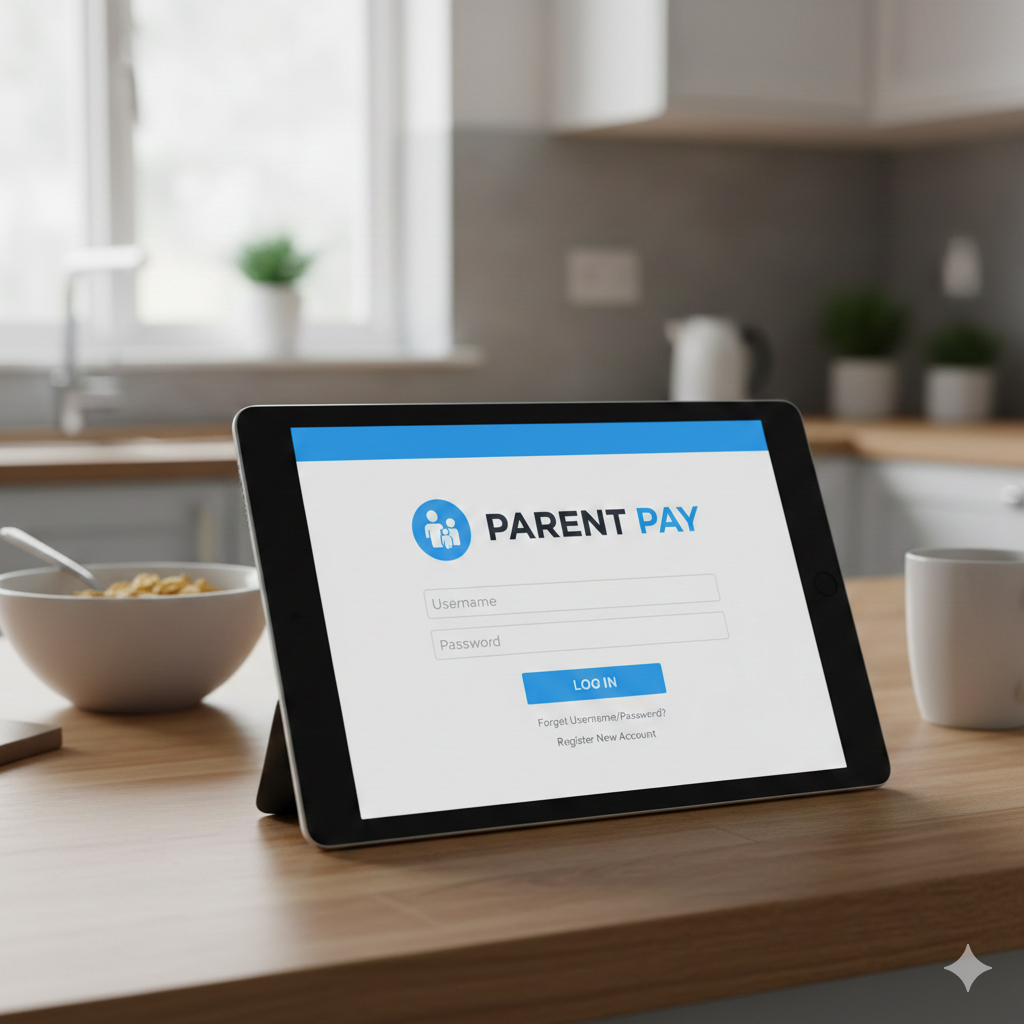
ParentPay is one of the most widely used online payment systems for schools in the UK. It allows parents and guardians to pay for school meals, trips, uniforms, clubs, and other school-related items securely online. With a simple and secure login process, ParentPay has made school payments more convenient, transparent, and cashless.
This detailed informational guide explains everything parents need to know about ParentPay login, how it works, how to access it safely, common login problems, and how to make the most of the platform.
What Is ParentPay?
ParentPay is an online payment service used by thousands of UK schools. It replaces traditional cash payments and cheques, making transactions easier for both parents and schools. Parents can access their accounts online or through the ParentPay mobile app to manage payments and view transaction history.
ParentPay is trusted by schools because it reduces cash handling, improves security, and provides clear financial records.
How Does ParentPay Work for Parents?
ParentPay links directly to your child’s school account. Once you log in, you can:
- Pay for school meals
- Top up dinner money
- Pay for trips and activities
- Purchase uniforms or resources
- View payment history
- Receive school payment notifications
Everything is managed in one place, making it a simple solution for busy parents.
ParentPay Login for Parents – Step-by-Step Guide
Logging into ParentPay is quick and straightforward if you follow the correct steps.
How to Access the ParentPay Login Page
To begin, visit the official ParentPay website or open the ParentPay mobile app. Always make sure you are using the official platform to avoid scams or fake websites.
ParentPay Login Using Email and Password
- Enter your registered email address
- Type your password
- Click the Login button
Once logged in, you will be redirected to your ParentPay dashboard.
First-Time ParentPay Account Setup
If you are using ParentPay for the first time, your child’s school will provide you with:
- An activation username
- An activation password
Use these details to create your account, set a new password, and link your child’s profile.
Benefits of Using ParentPay for Parents
ParentPay offers several advantages for parents and guardians:
- Cashless and secure payments
- 24/7 online access
- Easy tracking of spending
- Multiple children can be managed under one account
- Instant payment confirmation
- Reduced risk of lost money
These benefits make ParentPay a reliable system for managing school-related expenses.
Is ParentPay Login Safe and Secure?
Yes, ParentPay login is highly secure. The platform uses advanced encryption technology to protect user data and payment details. Schools and parents trust ParentPay because it complies with UK data protection and financial security standards.
For added safety, parents are advised to:
- Use strong passwords
- Avoid public Wi-Fi when logging in
- Log out after each session
- Keep login details private
ParentPay Login Not Working? Common Problems and Solutions
Sometimes parents may experience login issues. Below are the most common problems and how to fix them.
Forgot ParentPay Password – How to Reset
If you forget your password:
- Click on Forgot Password
- Enter your registered email address
- Follow the reset link sent to your email
ParentPay Account Locked or Disabled
Too many failed login attempts may temporarily lock your account. In this case, wait a short time or contact ParentPay support or your child’s school.
Browser and App Login Issues
- Clear your browser cache
- Update the ParentPay app
- Try a different browser or device
- Ensure your internet connection is stable
How to Make School Payments Using ParentPay
Making payments through ParentPay is simple:
- Log into your ParentPay account
- Select your child’s profile
- Choose the payment item (meals, trips, etc.)
- Add funds or pay directly
- Confirm payment
You will receive instant confirmation once the payment is successful.
ParentPay Mobile App Login – Android and iOS Guide
ParentPay also offers a mobile app for added convenience. Parents can download it from:
- Google Play Store (Android)
- Apple App Store (iOS)
The login process on the app is the same as the website. The app